Guides › Free games for Chromebook
Free games for Chromebook
Updated
The easiest way to play free games on a Chromebook is in the Chrome browser: browser games need no download, no install and no Play Store. Playnaut has 234 free games that run in Chrome, including 16 light ones picked for low-power school Chromebooks.
If your Chromebook has the Google Play Store turned on, you can also install the Playnaut Android app, but you do not need it.
| In the Chrome browser | Android app from Play Store | Linux or PC games | |
|---|---|---|---|
| Install needed | No | Yes | Yes, plus Linux setup |
| Works on school devices | Often; depends on the school | Often blocked | Usually not allowed |
| Works on older Chromebooks | Yes, with lighter games | Varies | Rarely |
| Playnaut | All 234 games | Yes, Android app | Not needed |
Tips for older or school Chromebooks
- Start with the light games below or the full Chromebook list; they are 2D or small scenes that load fast.
- Close other tabs before a 3D game.
- A trackpad is enough: every game works without a mouse.
- At school, play during free time and when your teacher says it is OK.
Light games that run well on a Chromebook
 Sort the Color Water
Pour colored water until each tube holds one color; plays with the number keys.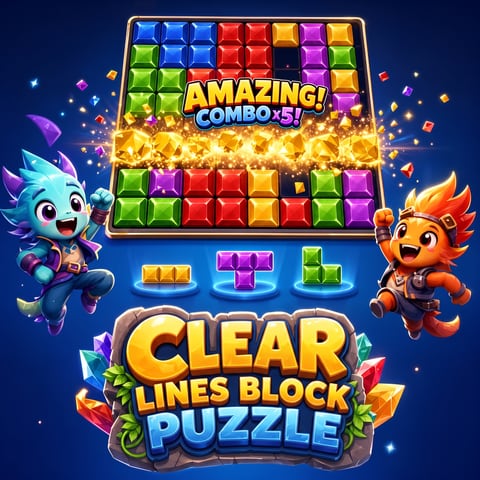 Clear Lines Block Puzzle
Place blocks and clear lines in a calm block puzzle.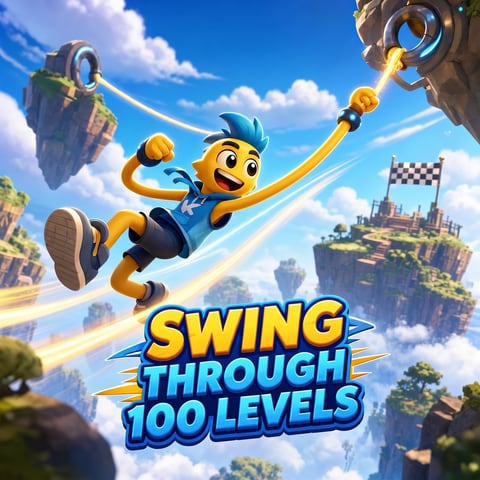 Swing Through 100 Levels
Swing through 100 levels using only the space bar.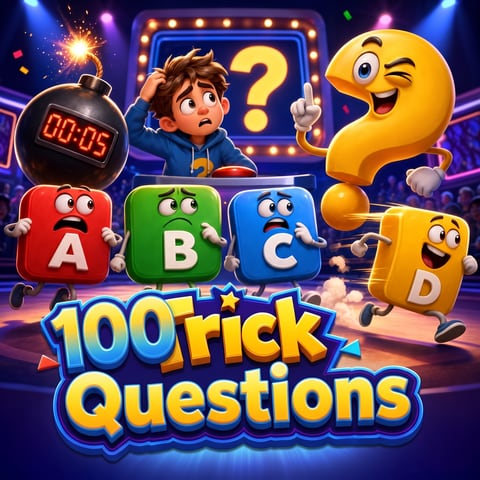 100 Trick Questions
A quiz where every question is a trick.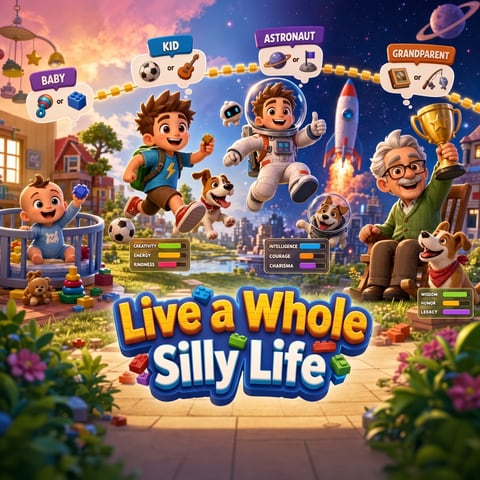 Live a Whole Silly Life
Live a whole silly life in about 10 minutes.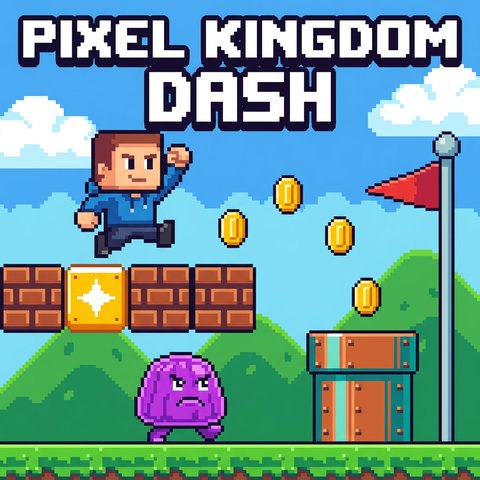 Pixel Kingdom Dash
An 8-bit side-scroller on the arrow keys.
A note about school filters
Playnaut does not publish pages about getting around school filters. Our games run in Chrome with nothing to install, which is why they work on many Chromebooks, but whether a site opens on a school device is the school's decision. See the full list on our Games for School Chromebooks page.
FAQ
Can you play games on a Chromebook without downloading anything?
Yes. Browser games run in Chrome like any web page. Every Playnaut game works this way.
What games run on a school Chromebook?
Light 2D games run best: puzzles, quizzes and one-button games. Whether a site opens on a school device is up to the school.
Do 3D games work on a Chromebook?
Most do on newer Chromebooks. On older or low-power ones, the lighter 2D games load faster and run more smoothly.
Do I need a mouse?
No. Every game works with a trackpad, and many also use the keyboard.
Are Chromebook games on Playnaut free?
Yes, all of them, with no account needed.