Guides › Free Roblox alternatives in a browser
Free alternatives to Roblox you can play in a browser
Updated
Roblox's own help pages describe playing through an installed app and an account, so if you want something similar with nothing to install, Playnaut is a free option: 234 games in the browser, including obbies, tycoons, hide and seek, pet games and dozens of games with shared online rooms. You can start as a guest on a phone, tablet, Chromebook or computer.
Playnaut is not affiliated with Roblox. None of these games is a Roblox game; they are Playnaut's own, with similar ideas.
| Playnaut | Roblox | |
|---|---|---|
| Install | None: plays in the browser | The Roblox Player app installs when you press Play on a computer |
| Account | Not needed | Needed; account type is set by age |
| Chromebook | Runs in Chrome | Needs the Google Play Store turned on |
| Price | Free | Free, with in-app purchases |
| Who makes the games | Almost every game is made by Playnaut | Players, with Roblox Studio |
| Chat | Filtered chat with tap-to-send quick phrases | Needs an age check; off without one |
A browser alternative is a good fit if
- You cannot or do not want to install apps on the device.
- You want to play without making an account.
- You like the same kinds of games: obbies, tycoons, pets, hide and seek and survival.
Roblox may suit you better if
- You want millions of player-made games and to build your own.
- You want to play with friends who are already there.
Playnaut games with the same kind of fun
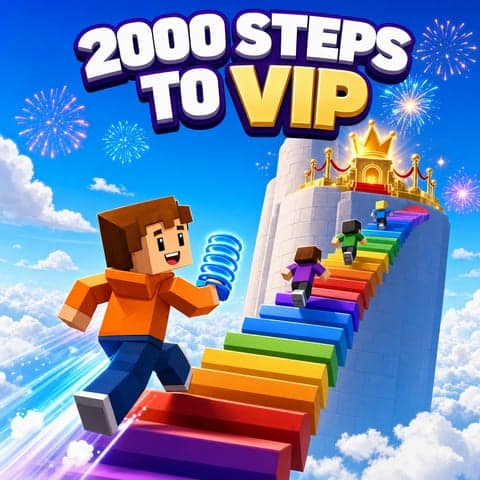 2000 Steps to VIP
An obby: climb a giant sky tower past lava and spinners to the VIP lounge, with other players in the room.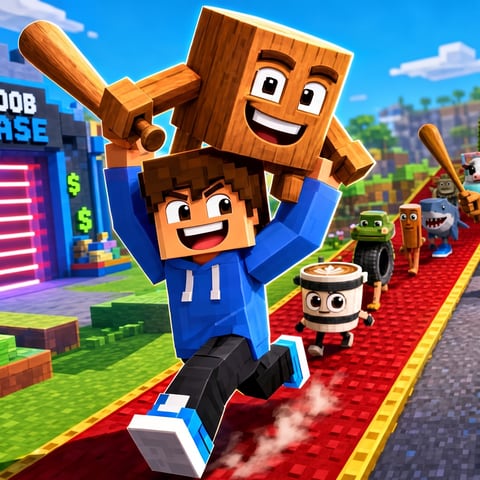 Steal Brainrots for Cash
A base-stealing tycoon: earn cash, then sneak into other bases with real players and bots online.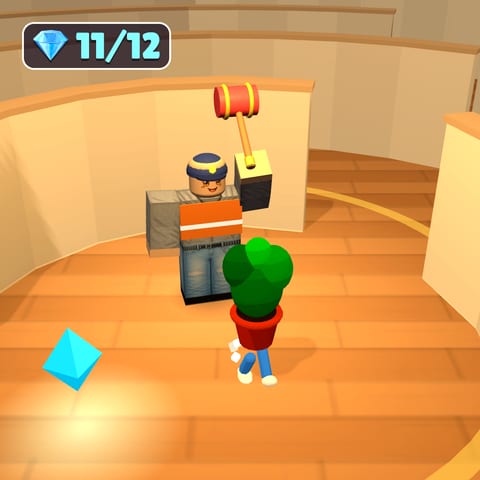 Hide and Seek as Furniture
Hide and seek where the hiders turn into lamps and potted plants. Glide for Pets
Climb a giant tree, glide for coins and hatch pets.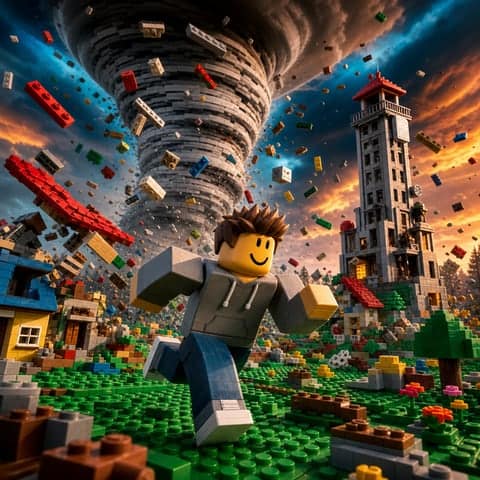 Survive the Disaster
Vote for a map, then dodge tornadoes and quakes with the whole server.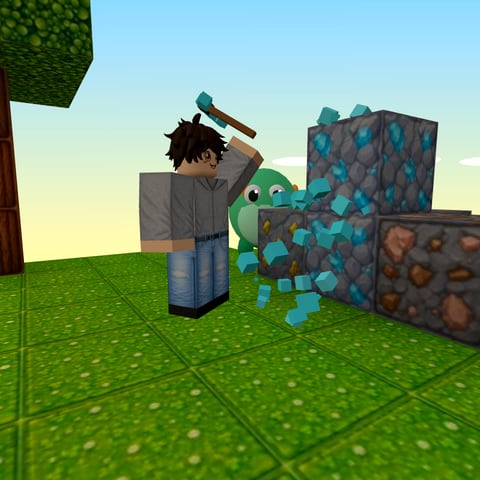 Cubewild
A first-person block world: mine, craft and build a hut before night.
FAQ
Is there a free game like Roblox that needs no download?
Yes. Playnaut runs in the browser with nothing to install and has the same kinds of games: obbies, tycoons, pet games, hide and seek and survival. It is not Roblox and is not connected to it.
Can I play these games on a Chromebook?
Yes. They run in the Chrome browser. Whether a site opens on a school device is up to the school.
Do I need an account?
No. You can play as a guest. Signing in is optional and keeps your progress across devices.
Can I play with other people?
Yes. Dozens of Playnaut games run in shared online rooms, and computer players fill empty seats so a round can always start. There are no private rooms or invite codes yet.
Is the chat safe for kids?
Chat on Playnaut is filtered, and there are quick phrases you can tap instead of typing.
Sources
Facts about other services come from their public pages, checked on October 17, 2026.
- Roblox help: how to install and play
- Roblox help: hardware and operating system requirements
- Roblox help: account types by age
- Roblox help: age checks
- Roblox on Google Play